How to read Markdown files offline
Markdown is an enriched text, human readable, format. You can open a .md file using any text editor. However, you will see the source text, without direct access to links and images.
A. From your browser
Browsers are able to render Markdown, but usually require plugins (free).
Installing Markdown Viewer in Google Chrome
Step 1
In Chrome [menu], select [More tools], [Extensions].

Step 2
Select the option Get more extensions to access Google Web Store
Step 3
Search for Markdown Viewer and click on Add to Chrome

Step 4
Finally, go back to the Extension menu of Chrome. In the Markdown Viewer entry, select [Allow access to file URLs]

Step 5
You should now be able to read Markdown file from the browser.
- You can drag and drop a .md file in a Chrome window.
- Or select Google Chrome as a default software to open .md file in your OS.

B. From your text editor
Visual Code Studio
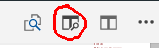
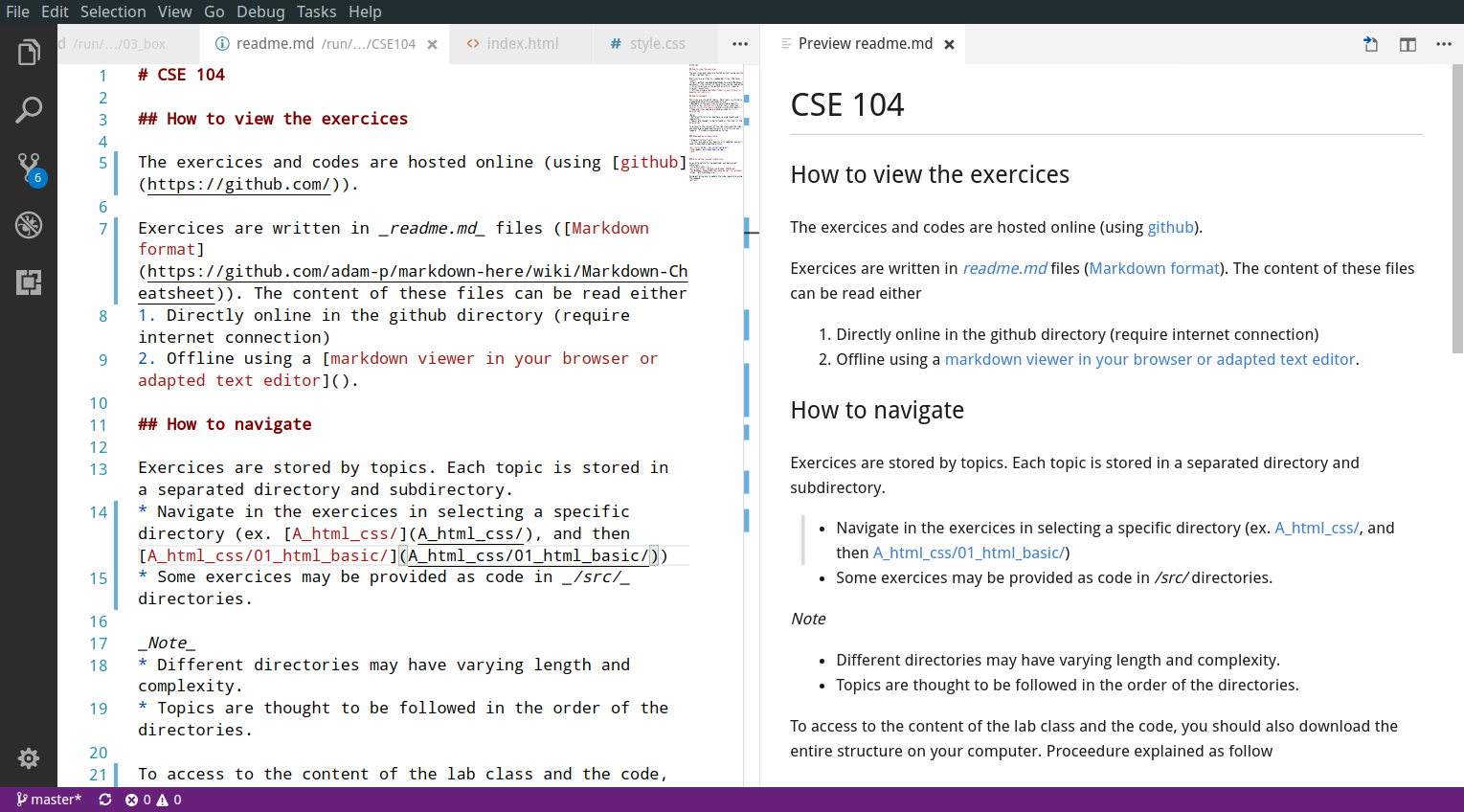
Visual Code Studio has an built-in Markdown viewer accessible through the following icon.
Example:
Atom
Atom has also built-in Markdown viewer through the following menu (or Ctrl+Shift+M shortcut)
